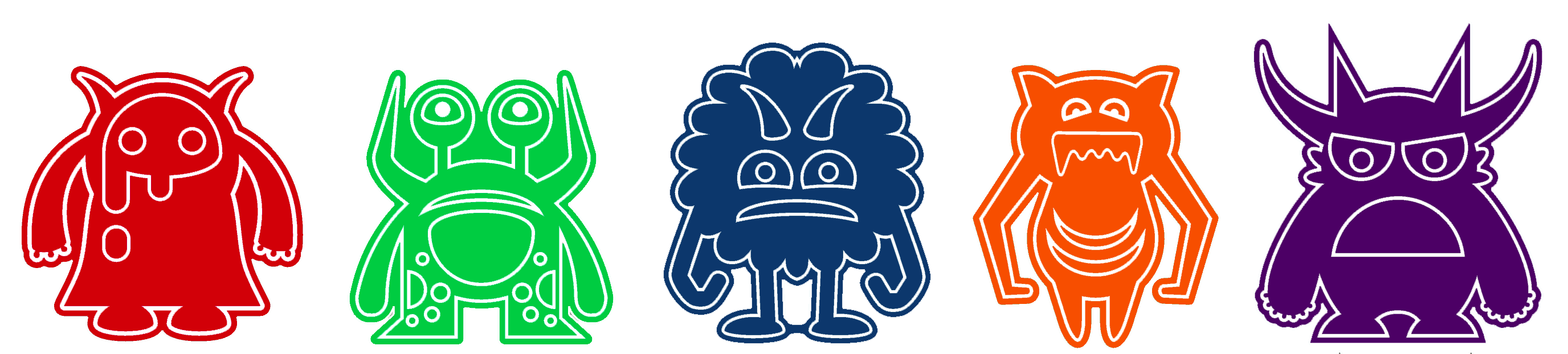
Hello GSA!
Laser SMORG Outline
- Welcome to the Fabrication Lab and demo of the laser cutter/engraver
- Quick overview of Rhino editing and drawing tools
- Get an envelope and label it with your full name
- Get logged in to the lab machines
- Get to work! Please download this Monster Construction template file: MonsterConstructionTemplate.3dm
- Open the file in Rhino; We will use this file as a template to design your lasered monster pin!
- Assemble your monster in the Monster Construction Area. Red lines are where the pin's edge will be cut
When you have finished your design, please use SAVE AS in Rhino to save your file to the desktop
Use this way of re-naming the file:first-letter-of-first-name_last-name_your color-color.3dm
So, if your name is Rick Astley, you would name the file:r_astley_purple.3dm
- After your file is saved, log in to the file collection site at https://go.chadeby.studio/up with user: GSA2022 and password GSA2022
- Click on the upload icon (which looks like a cloud with an up arrow) and either select or drag-and-drop your (correctly named!) file to upload it (you don't have to give a description of the file). The site will only accept .3dm (Rhino) files
- Double-check that your file finishes uploading and shows up in the list of files
- You will receive your pins in the labeled envelopes later today/tomorrow
And here are the slides for the workshop as a PDF: GSA2022_LaserWorkshop.pdf